Roblox AutoGridLayout
A downloadable asset pack
AutoGridLayout automatically scales UIGridLayout cells based on the size of their parent container, making it easy to create responsive interfaces for Roblox.
Features
- Automatic responsive cell scaling
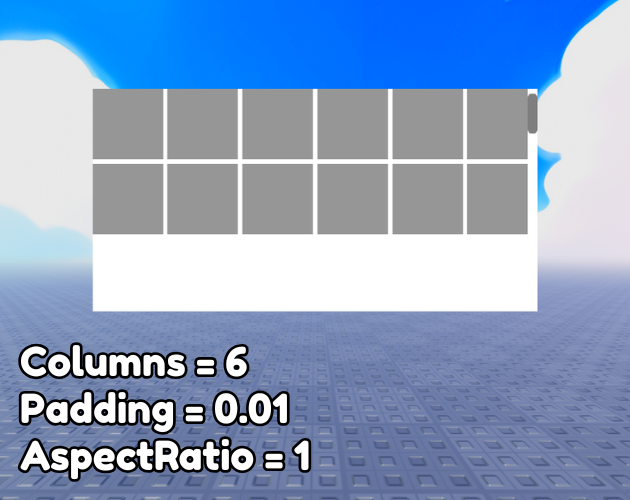
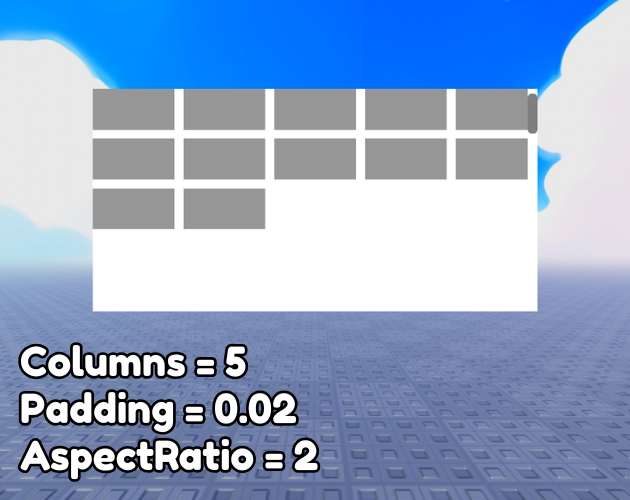
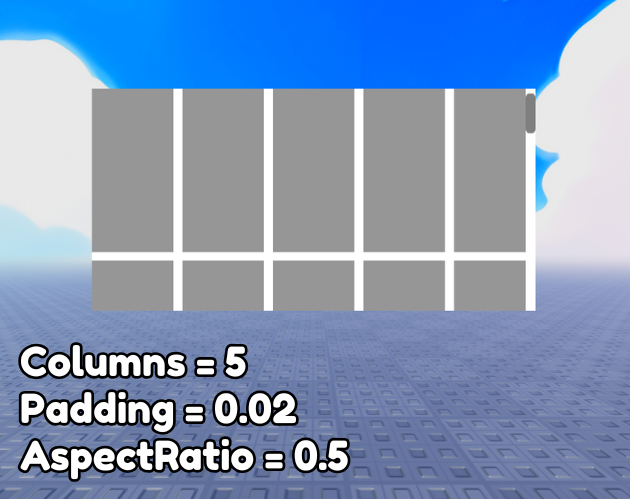
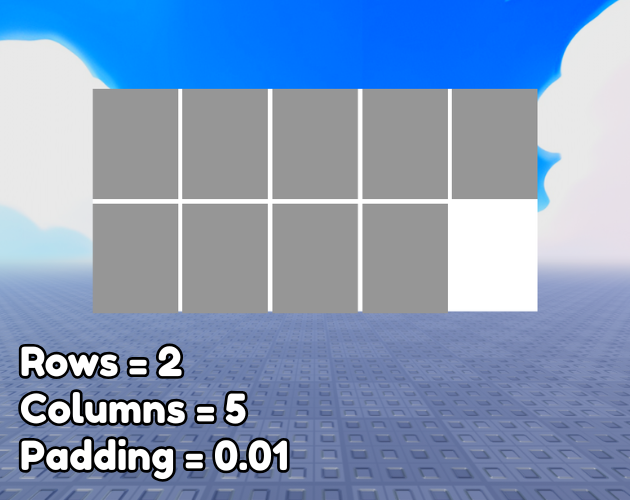
- Supports fixed columns and optional rows
- Percentage-based padding
- Optional aspect ratio
- Lightweight and easy to set up
- Uses CollectionService
- Fully open source
- MIT License
Setup
- Place the LocalScript in
StarterPlayerScripts. - Tag each
UIGridLayoutwith "UIGridLayout". - Configure the required Attributes (
Columns,Rows,Padding, andAspectRatio). - If you're using a
ScrollingFrame, setAutomaticCanvasSizeto Y or XY to prevent stretched cells.
If you prefer, you can also get this asset directly from the Roblox Creator Store:
AutoGridLayout on Roblox Creator Store
Feedback, suggestions, and contributions are always welcome.
Download
Click download now to get access to the following files:
Leave a comment
Log in with itch.io to leave a comment.