Roblox AutoSliceScale
A downloadable asset pack
AutoSliceScale
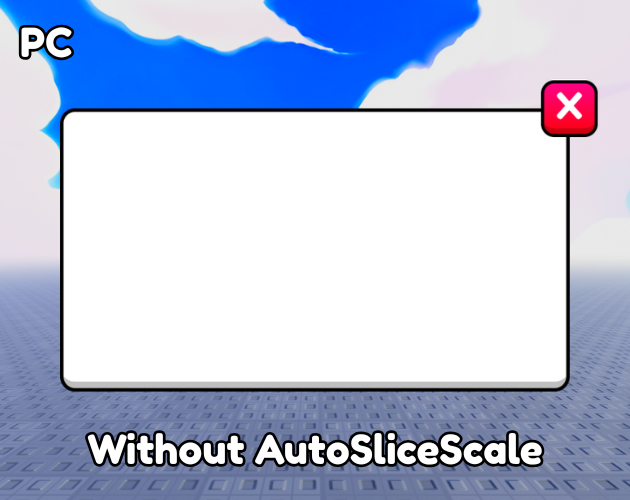
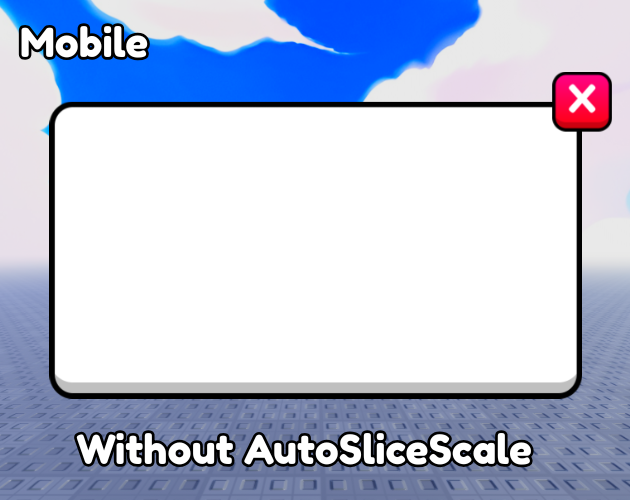
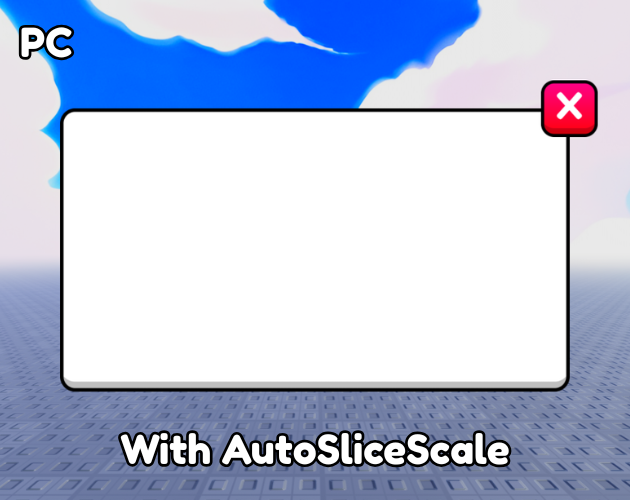
AutoSliceScale automatically scales the SliceScale property of Roblox UI objects based on the player's viewport size, making 9-slice UI elements more responsive across different resolutions.
Features
- Automatic responsive
SliceScale - Supports custom reference resolutions
- Uses
CollectionServicetags - Supports custom base
SliceScalevalues - Automatically updates when the viewport changes
- Lightweight and easy to set up
- Fully open source
- MIT License
Setup
- Place the LocalScript in
StarterPlayerScripts. - Tag each UI object you want to scale with "Slice".
- Configure the
SliceScaleAttribute if needed. - Set
REFERENCE_WIDTHandREFERENCE_HEIGHTto match the resolution used to design your UI.
To find your current viewport resolution, run this in the Roblox Studio Command Bar:
print(workspace.CurrentCamera.ViewportSize)
Use the resulting X and Y values as your reference resolution.
Roblox Creator Store
You can also get AutoSliceScale directly from the Roblox Creator Store:
AutoSliceScale on Roblox Creator Store
Feedback, suggestions, and contributions are always welcome.
License
This project is licensed under the MIT License.
Download
Click download now to get access to the following files:

Leave a comment
Log in with itch.io to leave a comment.